Touch ID-protected clipboard history for Mac, with a free iPhone companion.
Pro — $14.99 once
$14.99*
Every Pro feature free for 14 days. Then Pro is required.
Prefer Setapp? SaneClip is also available there for private clipboard history with Touch ID.
Get SaneClip on SetappBuying more than one SaneApps Mac app?
Get the SaneApps Bundle for $49.99 once. All current direct Mac Pro apps in one purchase.
Get the SaneApps Bundle See included apps →Requires macOS 14.0 (Sonoma) or later
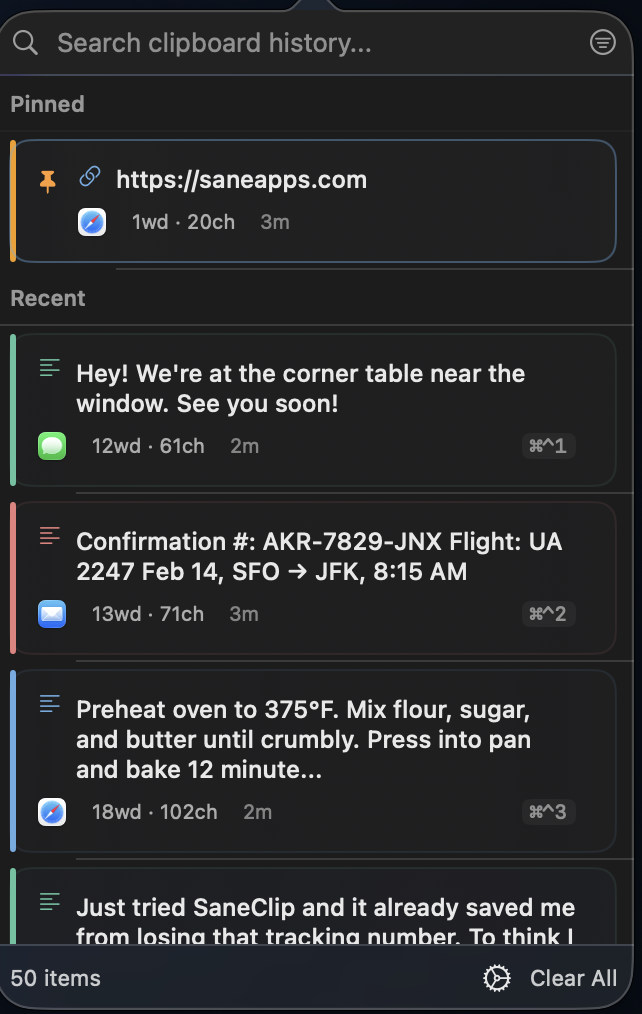
The 1-minute demo — real popup on screen, no mockups.
Real capture, no mockups
Copy anything, then paste an older clip right back — straight from the menu bar.
Sold? Start the full Pro trial — 14 days free, no credit card required.
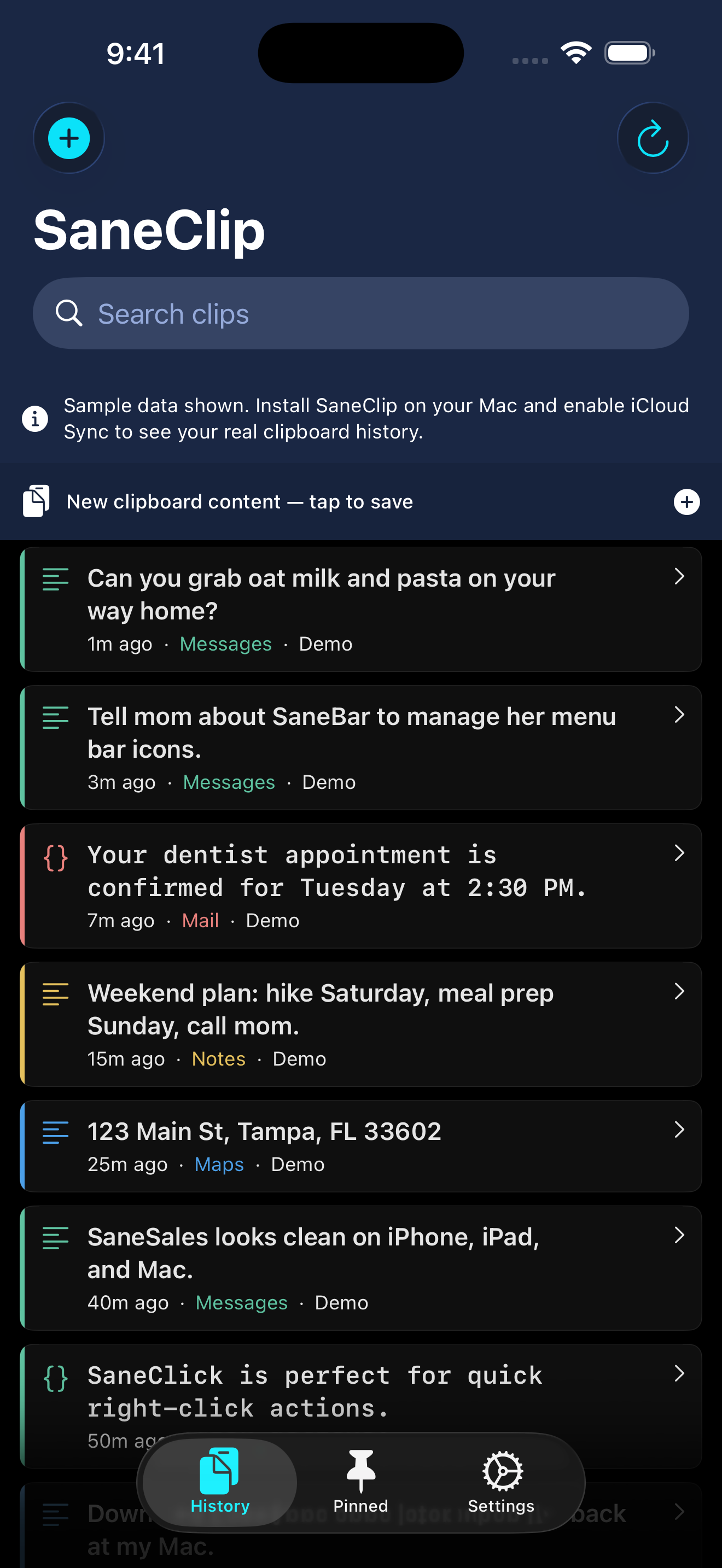
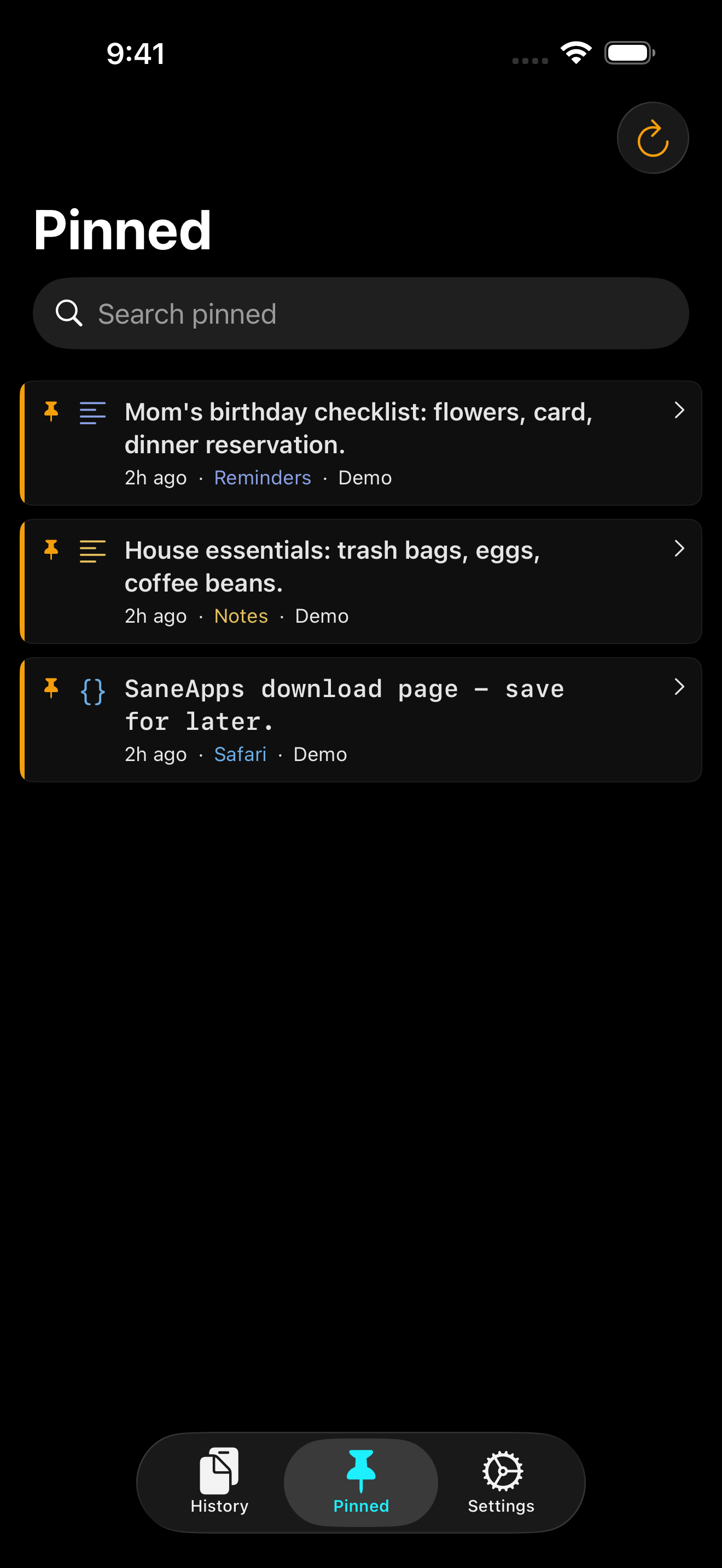
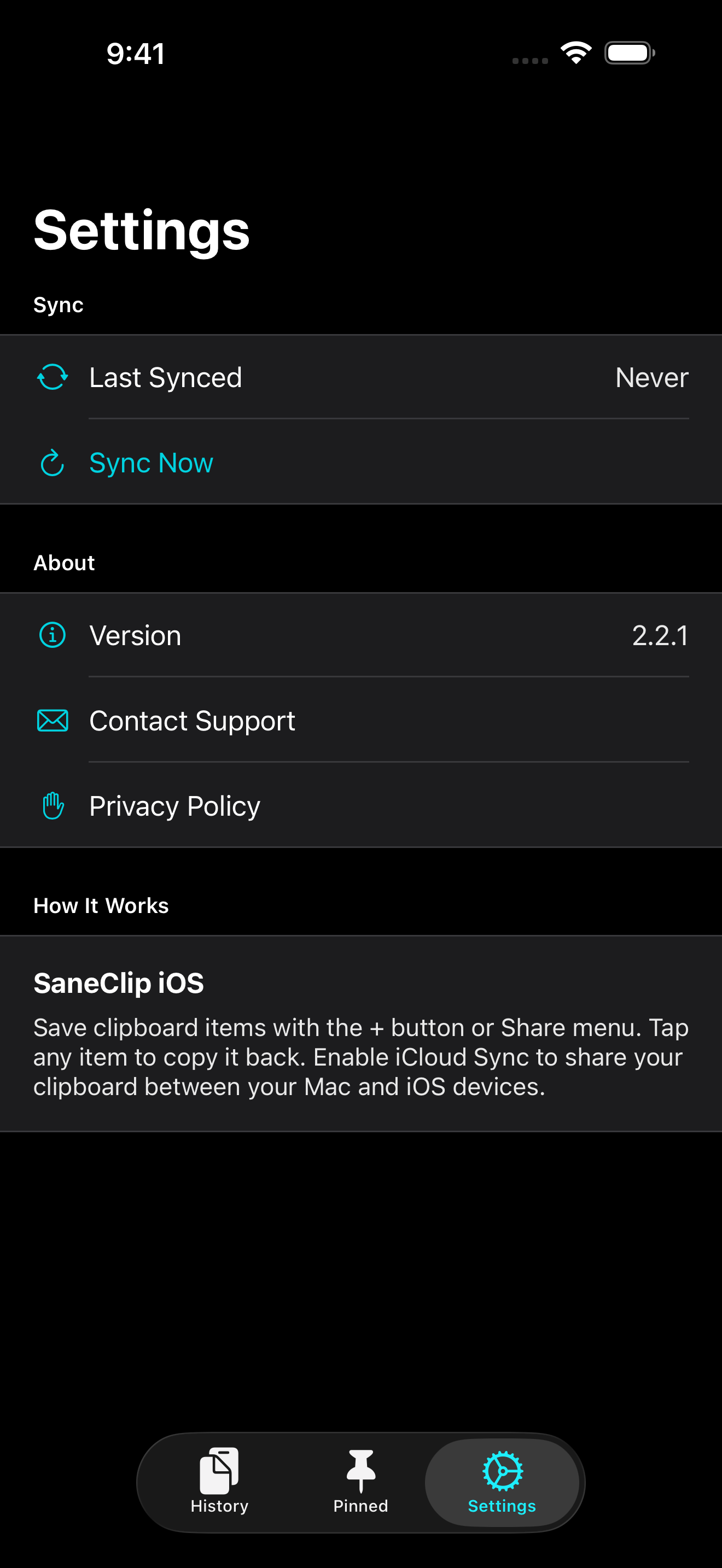
SaneClip can sync Mac history through your own iCloud account. Browse, search, and copy synced clips from the iPhone companion while it is active.
History
Pinned
Settings
Free with SaneClip for Mac.
Download for iPhone & iPad on the App StoreA clipboard manager that respects your privacy and stays out of your way.
Lock your clipboard history with Touch ID or your Mac password.
Your clipboard history is encrypted at rest. Keys stored in your Mac's secure storage. Even if someone copies your files, they can't read your data.
Automatically detects credit cards, SSNs, security tokens, passwords, and private keys. Auto-purges them on a schedule you control.
Capture text from windows and screenshots, then keep the recognized text attached as a searchable sidecar in your clipboard history.
Stores everything you copy — text and images. Search instantly by content, OCR sidecars, source app, and pinned status.
On-device by default. Clipboard contents never go to SaneApps servers. Optional iCloud sync uses your own account, and encrypted sync payloads stay unreadable to SaneApps when History Encryption is enabled. 100% Transparent Code.
Automatically ignores copies from 1Password, LastPass, Dashlane, Bitwarden, and other password managers. Your secrets never enter the history.
Every clip shows which app it came from — and every app gets its own color, not just Apple apps. Scan your history visually — no reading required.
Auto-strip tracking params from URLs (utm_*, fbclid). Auto-trim whitespace, normalize line endings, clean duplicate spaces. Copies arrive clean.
Detach your history from the menu bar into a floating window. Resize it from compact strip to command center — it remembers its size and position between sessions.
Drag any clip straight out of your history into Mail, Notes, Pages — any app. Text lands as text, images as images. No copy-switch-paste dance.
Quick Actions for Shortcuts. URL schemes and App Intents open history, search clips, copy text, and run confirmed clipboard actions from your workflows.
Old items auto-delete after 1h, 24h, or 7d. Sensitive data purges faster. Pinned items never expire. Exclude apps entirely.
⌘⇧⌃Y opens history at your menu bar icon or mouse cursor (your choice). ⌘⌃1-9 pastes instantly. Inside the window: arrows, Home/End, PageUp/Down, P to pin, Return to paste. Vim-style navigation. No mouse needed. All shortcuts customizable.
Pin frequently-used text. Create reusable snippets with placeholders like {{date}} and {{time}} that auto-expand.
Queue multiple items, paste in order with ⌘⌃V. FIFO or LIFO. Perfect for filling forms or batch operations.
Paste as UPPERCASE, lowercase, Title Case, trimmed, reversed, or formatted text. Strip HTML or Markdown. Smart paste auto-detects content type.
Export your clipboard history to JSON. Import from backups with merge or replace. Your data, portable and yours.
I built what I wished existed. Here's how SaneClip Pro compares.
This table reflects SaneClip Pro. Download starts full Pro for 14 days, then Pro is required to continue.
| Feature | SaneClip Pro | Paste | Maccy | Pastebot | CopyClip |
|---|---|---|---|---|---|
| AES-256 Encryption History encrypted at rest on disk | ✓ | ✗ | ✗ | ✗ | ✗ |
| Touch ID Protection Biometric lock on clipboard history | ✓ | ✗ | ✗ | ✗ | ✗ |
| Sensitive Data Detection Flags credit cards, SSNs, API keys | ✓ | ✗ | ✗ | ✗ | ✗ |
| Password Manager Safety Auto-skips 1Password, Bitwarden, etc. | ✓ | ✗ | ✗ | ✗ | ✗ |
| App Exclusions Block any app from clipboard capture | ✓ | ✓ | ✓ | ✗ | ✗ |
| Clipboard Rules Auto-strip tracking params, trim, clean | ✓ | ✗ | ✗ | ✗ | ✗ |
| Source App Colors Color-coded clips by source app | ✓ | ✓ | ✗ | ✓ | ✗ |
| Text Transforms UPPER, lower, Title, JSON, strip HTML | ✓ | ✗ | ✗ | ✓ | ✗ |
| Paste Stack Queue items, paste in FIFO/LIFO order | ✓ | ✗ | ✗ | ✓ | ✗ |
| Snippets & Placeholders Templates with {{date}}, {{name}}, etc. | ✓ | ✓ | ✗ | ✓ | ✗ |
| Integrations URL schemes, App Intents, Shortcuts support | ✓ | ✗ | ✗ | ✗ | ✗ |
| Siri Shortcuts & Widgets App Intents + desktop/lock screen widgets | ✓ | ✗ | ✗ | ✗ | ✗ |
| iOS Companion App Free iPhone/iPad app with iCloud sync | ✓ | ✓ | ✗ | ✗ | ✗ |
| iCloud Sync Sync between your own devices | ✓ | ✓ | ✗ | ✓ | ✗ |
| 🔍 100% Transparent Code Full source code on GitHub | ✓ | ✗ | ✓ | ✗ | ✗ |
| 100% Private No SaneApps server in the middle for your clipboard contents | ✓ | ✗ | ✓ | ✓ | ✓ |
| Price One-time vs subscription | $14.99 | $30/yr | Free | $13 | Free |
I build apps because I love building things that work well.
If SaneClip saves you time, consider buying me a coffee.
Thank you. — Mr. Sane

3Go9nJu3dj2qaa4EAYXrTsTf5AnhcrPQke

0x026668feA51c27F0803055B8c0d881ac2F1e7C3e

FBvU83GUmwEYk3HMwZh3GBorGvrVVWSPb8VLCKeLiWZZ

t1PaQ7LSoRDVvXLaQTWmy5tKUAiKxuE9hBN
Click any address to copy
I verify the transaction, then I reply with your Pro download link. If I miss your email, follow up and I will fix it.
Download starts full Pro for 14 days. After the trial, keep Pro with a one-time purchase.